
Applies to
License: Enterprise · Data Marketplace
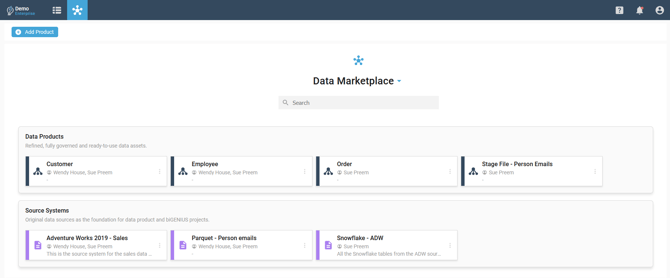
The source system overview opens when you click a source system card in the Data Marketplace overview.
You can access a Source System product overview by:
- Opening the Data Marketplace overview:
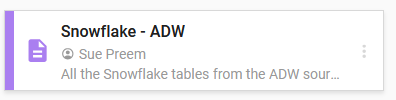
- Clicking on a Source System card:
The Source System overview is made of several areas:
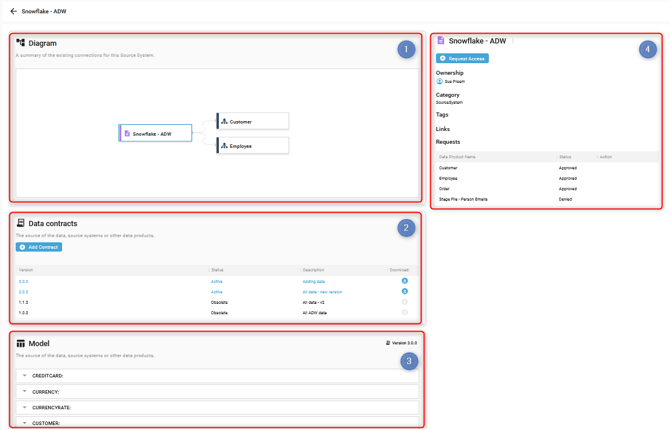
- The product diagram
- The data contracts
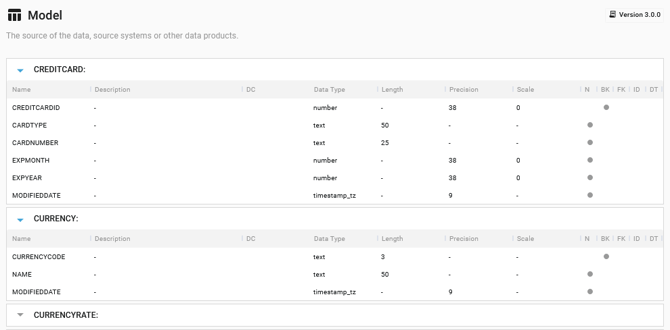
- The product model
- The product detail
Product diagram
The Product diagram displays the Source System and its connections with other Data products and Source Systems:
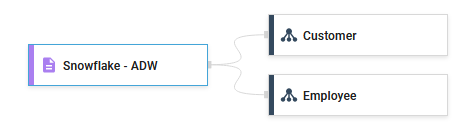
A connection is between the Data Contract of the Source system and an Input Port of a Data Product.
Authorization is needed to access the Data Contract of a Source System.
This is managed by requesting access.
You can find more details here: Request access to a product.
Data contracts
From the data contracts list, you can:
Product model
The Product model displays the details of the most recent Data Contract of the Source System: all the Model Objects and their Terms in detail:
Product details
For more details, please consult the following article: Understand the product detail page.