
Reset a Historization Type
To reset a Historization Type to not be the default value, access the Advanced Settings overview page and select the Historization Type option in the left menu.
The Manage Historization Type page is displayed:
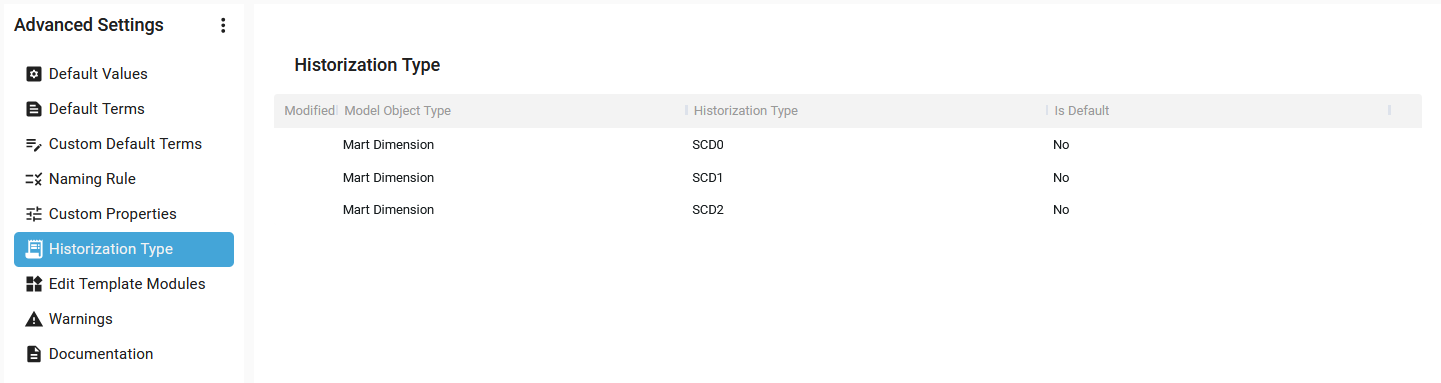
Hover over a Historization Type. The Context menu is displayed:

Click on the Context menu for a Modified Historization Type and select the Reset option:

The Historization Type is set not to be the default value for the Model Object Type.
The Historization Type appears now without the blue icon in the Modified Column:

A notification confirms the correct update:

Demonstration video