
You remove a model object from a Relationship Modeling view on the Relationship Modeling overview page.
Remove a model object from a Rel. Modeling view
To remove a Model Object from a Relationship Modeling View as default, access the Relationship Modeling Overview page:
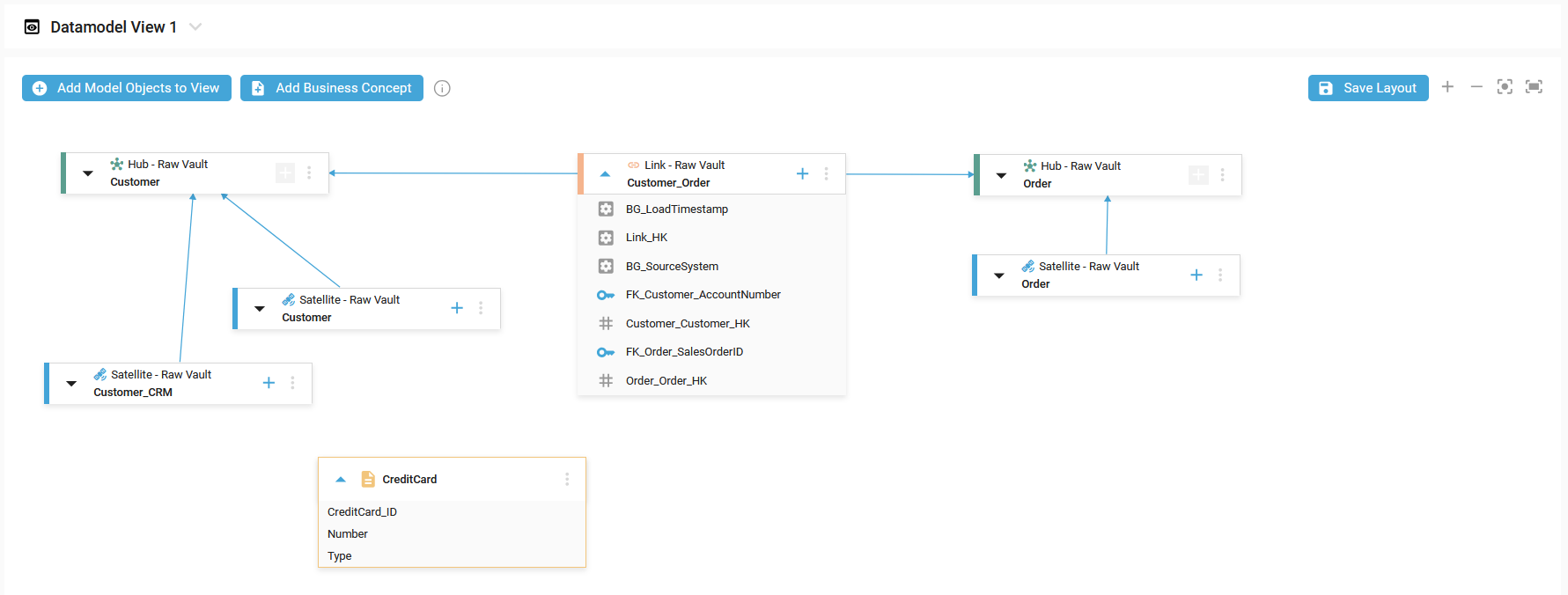
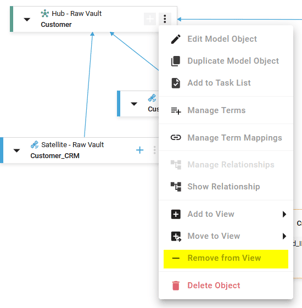
Click on the Context menu for a Model Object and select the Remove from View menu:
The Model Object is removed from the Relationship Modeling View:
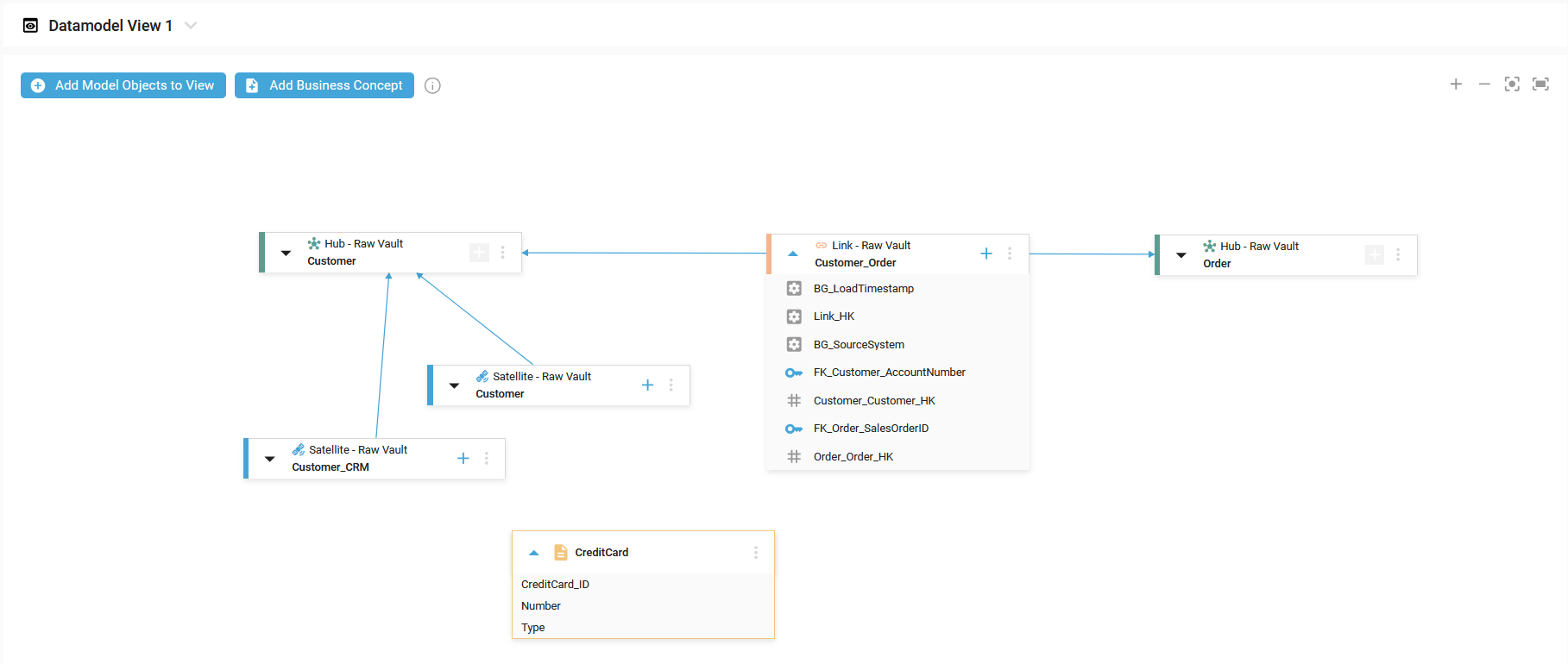
A notification confirms the correct update:

Warning: Removing a Model Object from a Relationship Modeling View doesn't delete the Model Object itself. For this, see Delete a Model Object.