
Applies to
License: Enterprise · Data Marketplace
The Data Marketplace settings open from the context menu of the Data Marketplace overview in a side panel.
Data Marketplace settings
You can access the Data Marketplace settings by:
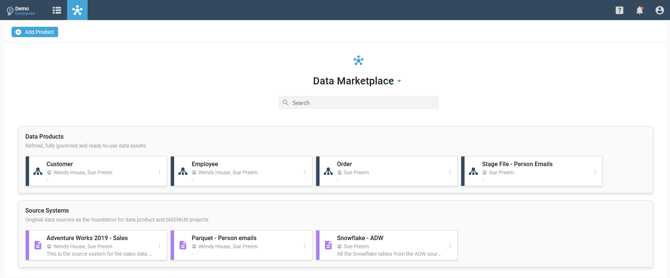
- Opening the Data Marketplace overview:
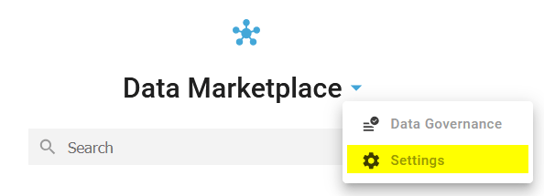
- Clicking on the context menu and choosing the Settings option:
The Data Marketplace Settings side panel opens:
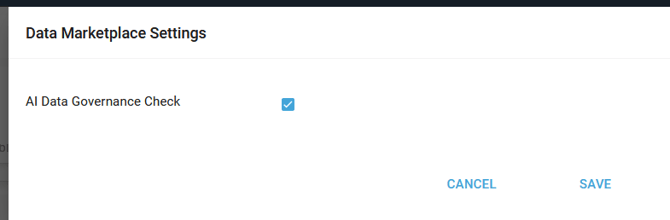
From here, you can:
- Activate or deactivate the AI Data Governance Check