
Before deploying the Generated Artifacts, please:
- Generate the Artifacts
- Download the generated Artifacts
- Replace the placeholders in the Generated Artifacts
You should now have the Notebook files inside Microsoft Fabric, ready for deployment.
Deploy the generated Artifacts
We will explain how to deploy the generated artifacts using the possible target environment for Fabric Warehouse.
To deploy the generated Artifacts:
- Open Microsoft Fabric at https://app.fabric.microsoft.com/
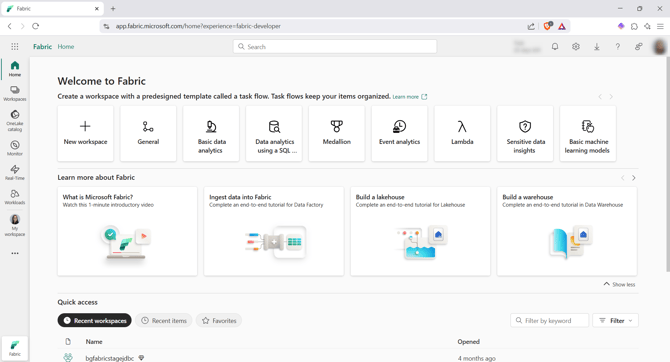
- Open the Workspace where you deployed the artifacts by clicking on the Workspace option on the left menu:

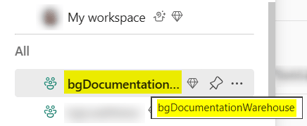
- Then, on the desired Workspace (bgDocumentationWarehouse in our example):
- Open the XXXX_deployment pipeline, which contains two steps:
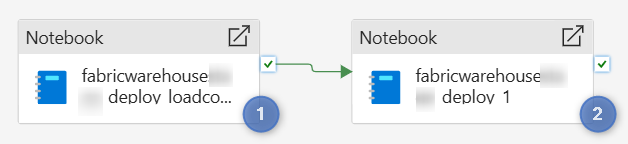
-
Deploy the load control structure
- Deploy the code
-
- Run the pipeline by clicking on the Run button:

- Open the Output tab at the bottom:

- The pipeline is Queued
- Then, each Notebook is first In Progress then Succedeed:

- The deployment is done:
- Open the Warehouse docu_bgwarehouse
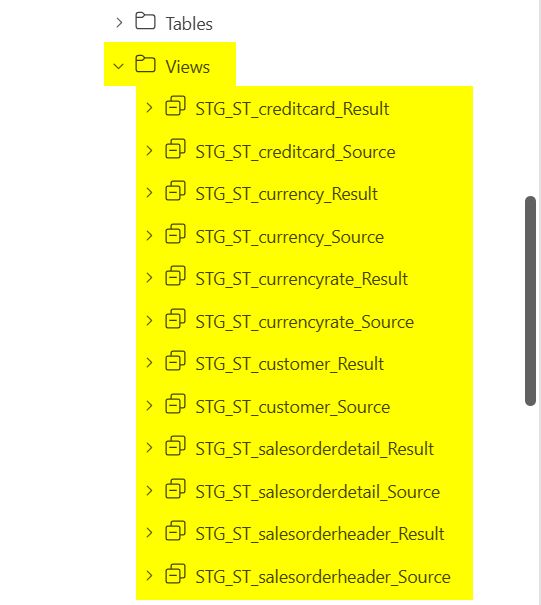
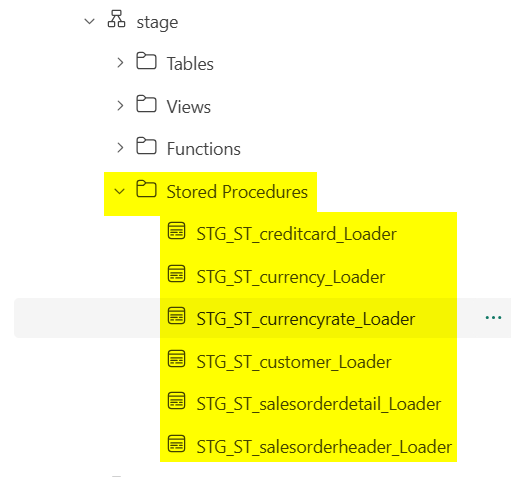
- The target structure was created:
| Tables | Views | Stored Procedures |
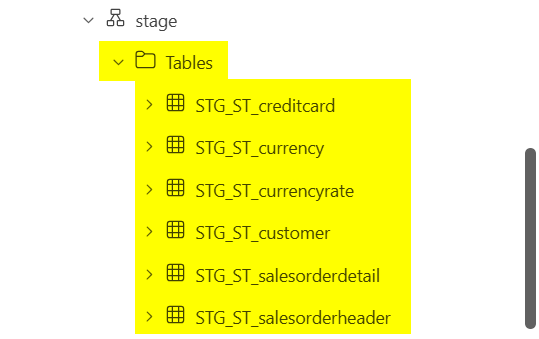 |
 |
 |
You can now load the data with the following load controls: