
Delete an Index
To edit an Index for a Model Object, access the Indexes overview page for a Model Object:
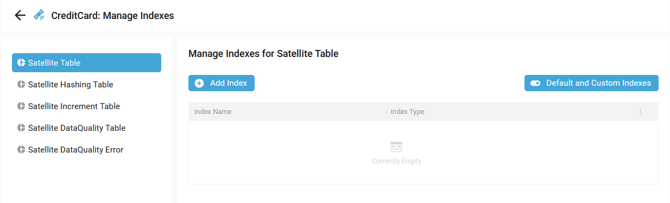
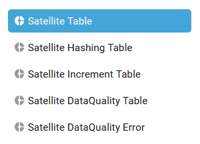
Select a Target Object in the left menu depending on whether you want to delete an Index, for example:
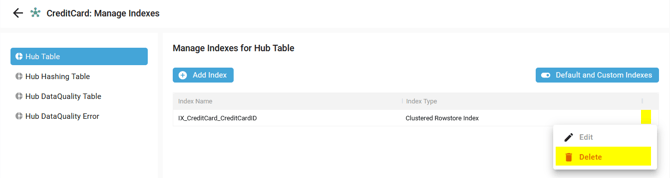
Then, click on the Context menu of an Index and select the Delete option:
A confirmation pop-up appears:

Click on the DELETE button.
A notification confirms the correct deletion:
Demonstration video