
You create model objects from an import version of a linked project from the Import option of the Data Connections overview page.
Create linked model objects
To create Model Objects from a Linked Project Import Version, access the Data Connections overview page:
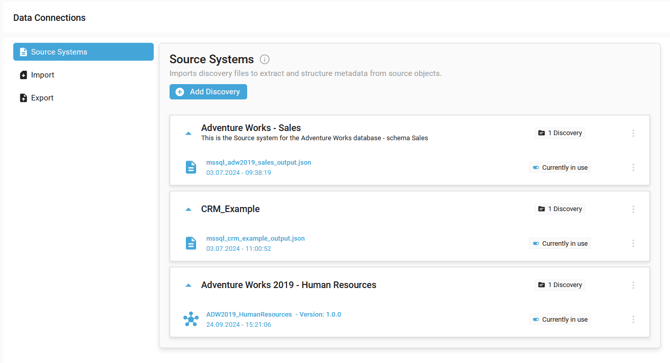
Click on the Import option: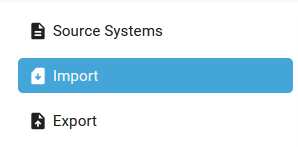
Then, click on the Context menu of an existing Linked Project Import Version and choose the Create Model Object option:
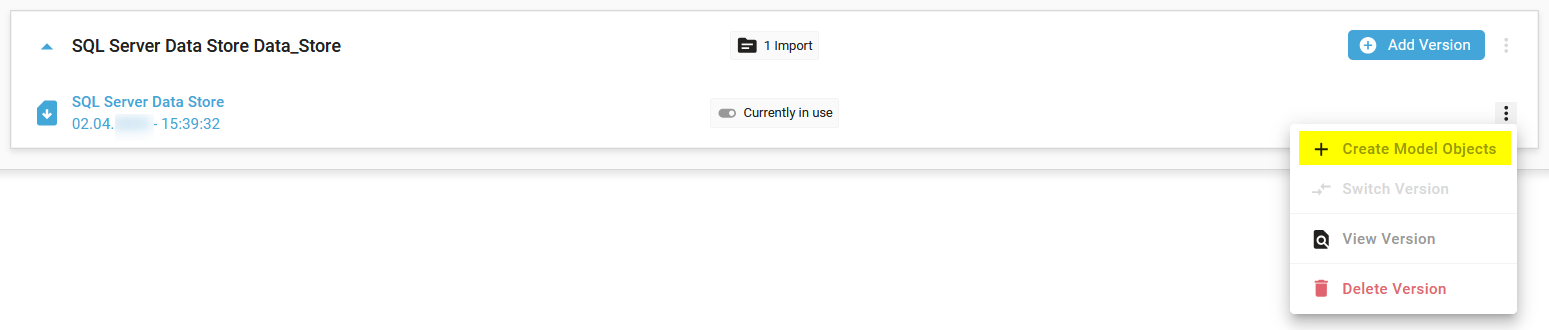
The Add a Model Object side panel window is opened:
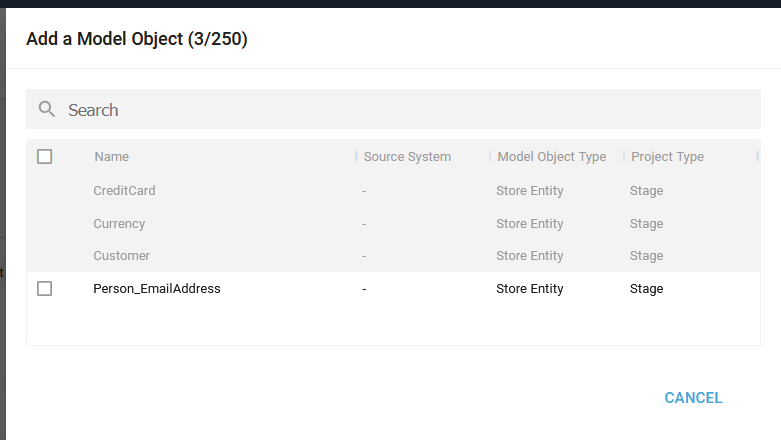
You can select the Model Object you wish to create:
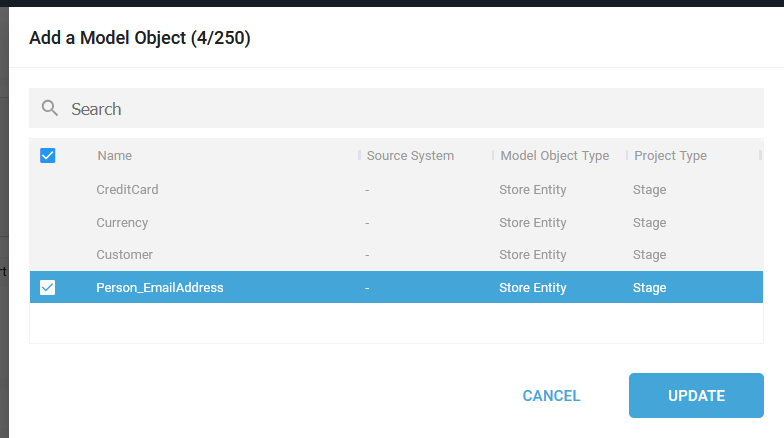
Click on the UPDATE button.
A notification confirms the successful creation of the Model Object:
tdb
Related articles
- See also: Understand Data Connections overview