
biGENIUS-X Project(s) must be assigned to a Product (Data Product or Source System).
A Product is the abstract layer of a Project:
-
Data Product:
- If your biGENIUS-X Projects are organized in small pieces of your Data Solution (several Data Marts, for example), you can assign a single Project
-
If your Data Product is implemented in several Projects (Stage File used in a Data Store itself used in a Dimensional and Mart), you must assign all these Projects to your Data Product
-
Source System:
-
A Source System is usually implemented by a single Project
-
In both cases, the assignment allows for publishing new versions in a data contract from the biGENIUS-X Project itself.
Assign a biGENIUS-X Project
To assign a biGENIUS-X Project to a data product, open a Data Product overview page:
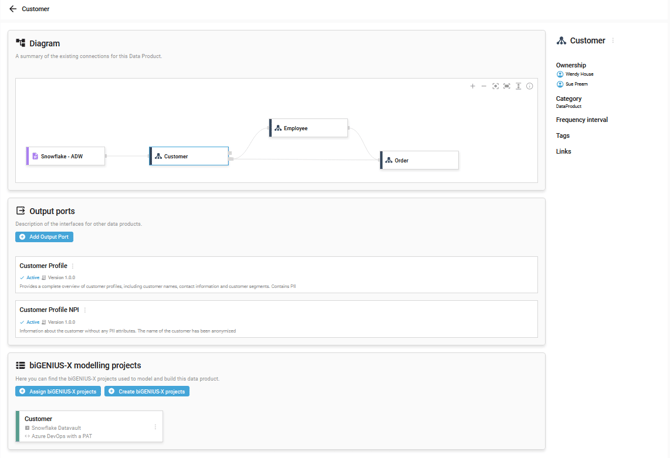
Then click on the Assign biGENIUS-X projects button :

The Assign biGENIUS-X Projects side panel window opens:
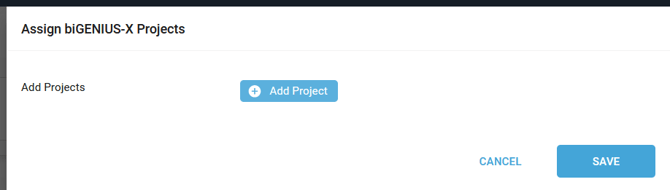
Click on the Add Project button.
Select a Project:
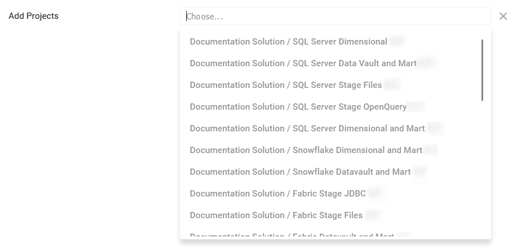
A biGENIUS-X Project can be assigned to a unique Data Product.
Click on the SAVE button.
A notification confirms the successful creation:

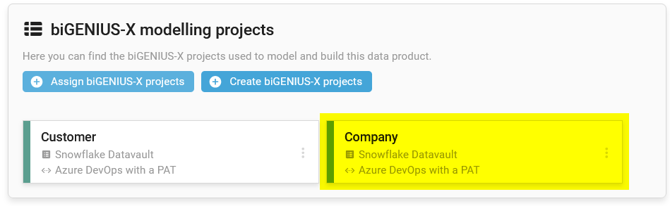
The new assigned Project is now available on the Data Product overview page:
Demonstration video